Octopus CRM positions itself as a very affordable LinkedIn automation tool, with plans starting at $6.99/month annually. That pricing sounds very attractive - especially for solo salespeople watching every dollar.
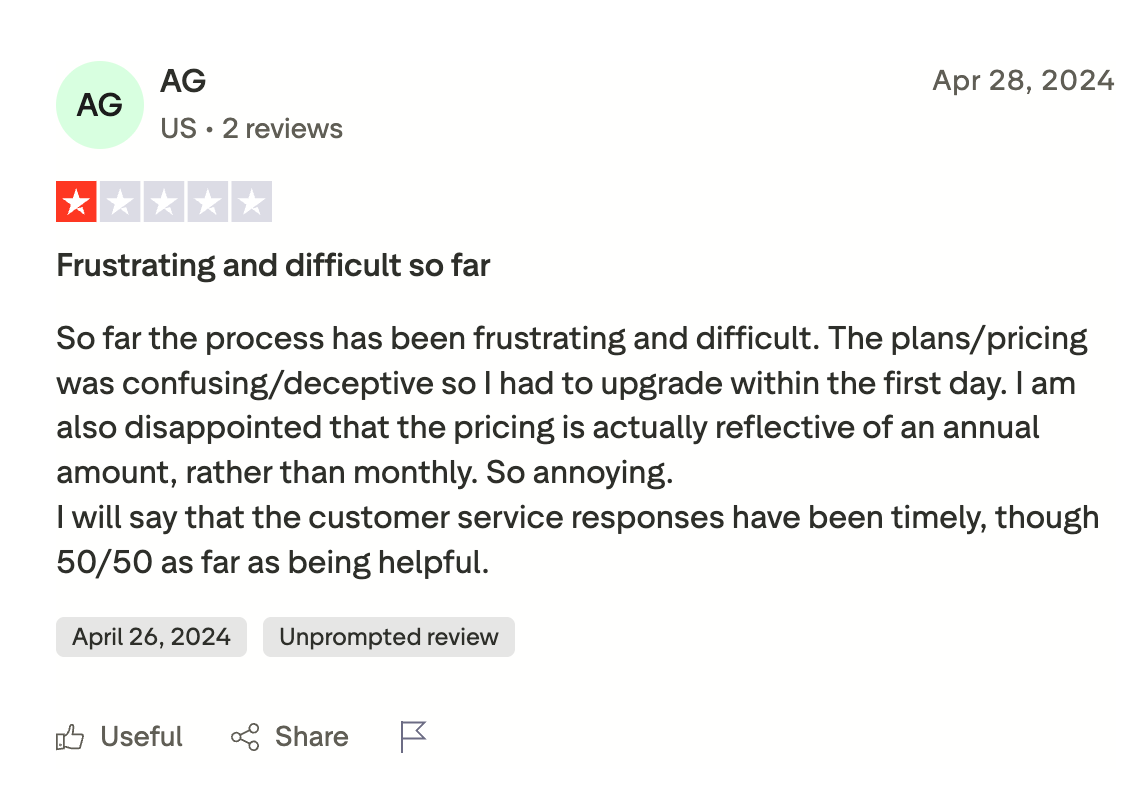
But most people don’t realize that Octopus CRM’s entry-level plans only work with free LinkedIn accounts (which is risky for automation) or Sales Navigator accounts. If you're a Premium or Recruiter user, your only option is the Unlimited plan, which costs $39.99/month or $24.99/month annually.
After comparing both platforms’ capabilities, we’ve found that Botdog's Professional plan at $39/month delivers much more value than Octopus CRM's Unlimited plan at $24.99/month. In this blog post, we’ll break down the differences in features, safety, and ROI between the two tools.
Octopus CRM Overview
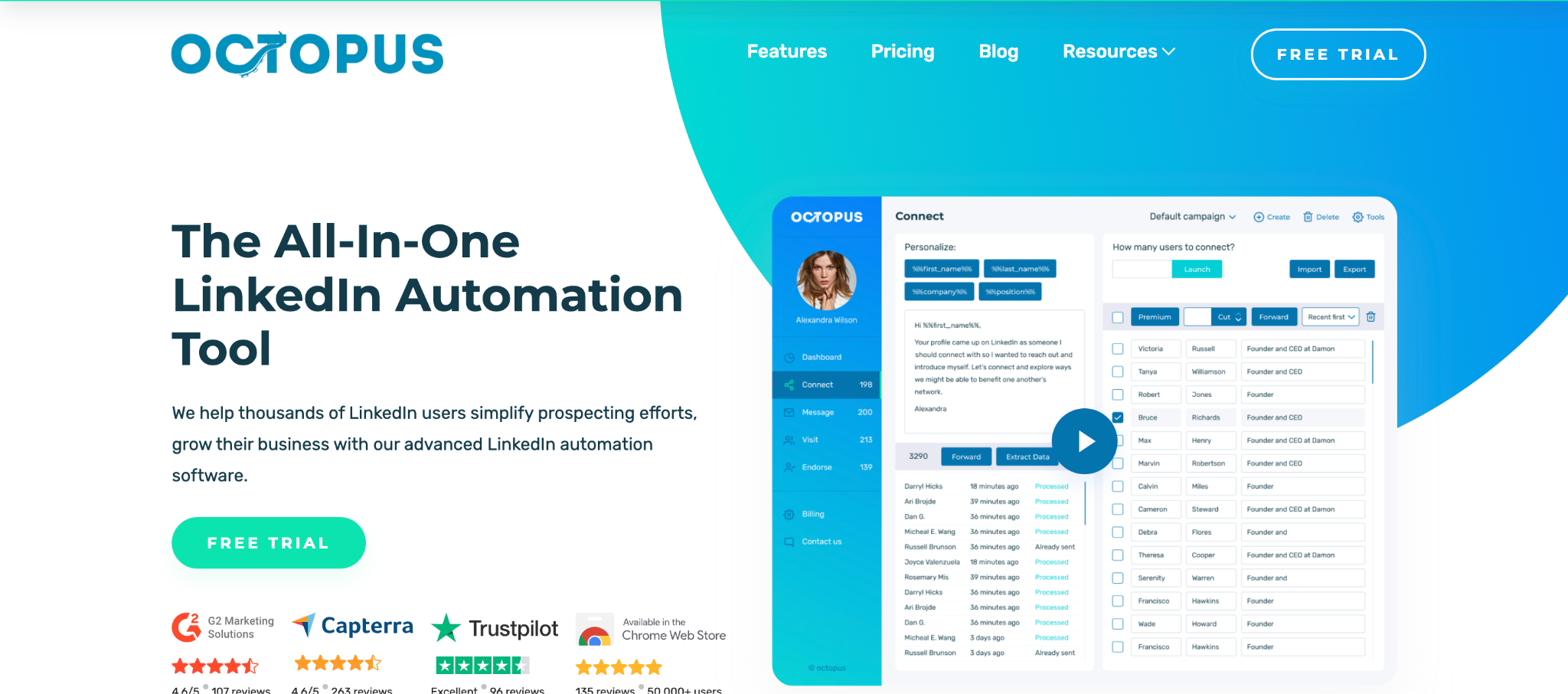
Octopus CRM is a Chrome extension that automates LinkedIn activities. It doesn't require your LinkedIn login credentials and operates as a browser-based tool that mimics your manual actions on the platform.
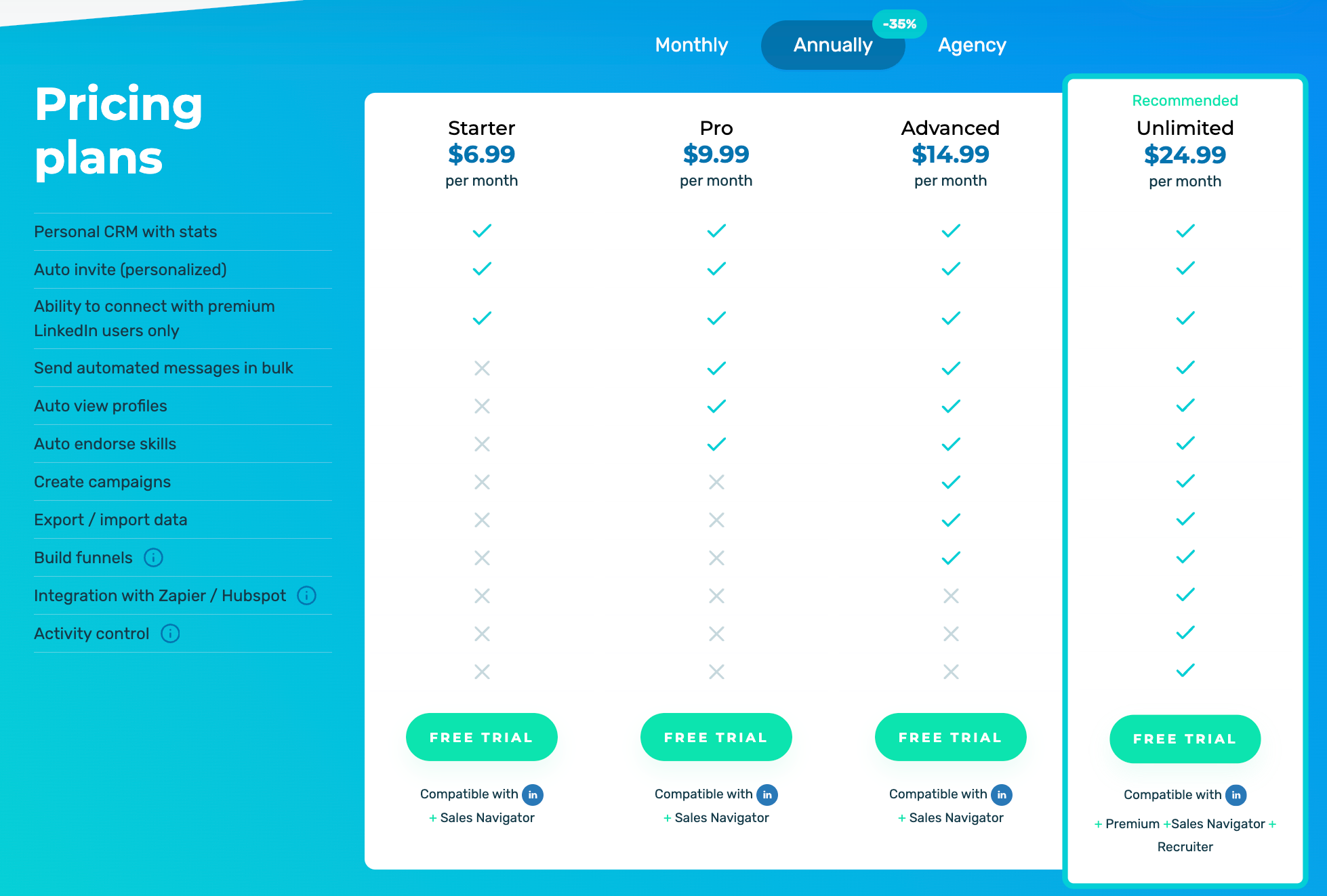
The pricing structure has four tiers, but there's a critical restriction that most people don't realize until after signing up. The Starter plan at $6.99/month annually is incredibly cheap, but it only works with free LinkedIn or Sales Navigator accounts. It’s also extremely limited - you can send personalized connection requests, but that's about it. You can't send bulk messages, create campaigns, export data, or access activity control features that alert you when your account is approaching LinkedIn's limits. You also can't auto-view profiles, which is a key step in mimicking human behavior (normally, you'd view someone's profile before sending a connection request).
The Pro plan at $9.99/month annually adds bulk messaging and profile viewing, but still only works with free LinkedIn or Sales Navigator accounts. You still can't create campaigns, export data, or get activity control safety alerts. The Advanced plan at $14.99/month annually finally adds campaign creation and data exports, but you're still locked to free LinkedIn or Sales Navigator accounts, and you still don't get Zapier/HubSpot integration or activity control.
If you're using LinkedIn Premium or Recruiter, your only option is the Unlimited plan at $24.99/month annually. Premium and Recruiter users can't access the cheaper tiers at all. The Unlimited plan includes all features - campaigns, exports, Zapier and HubSpot integrations, and activity control safety alerts.
The biggest operational limitation is that Octopus CRM only runs when Chrome is open. If you close your browser, automation stops completely. This means your computer needs to stay on with Chrome running for campaigns to continue.
Botdog Overview
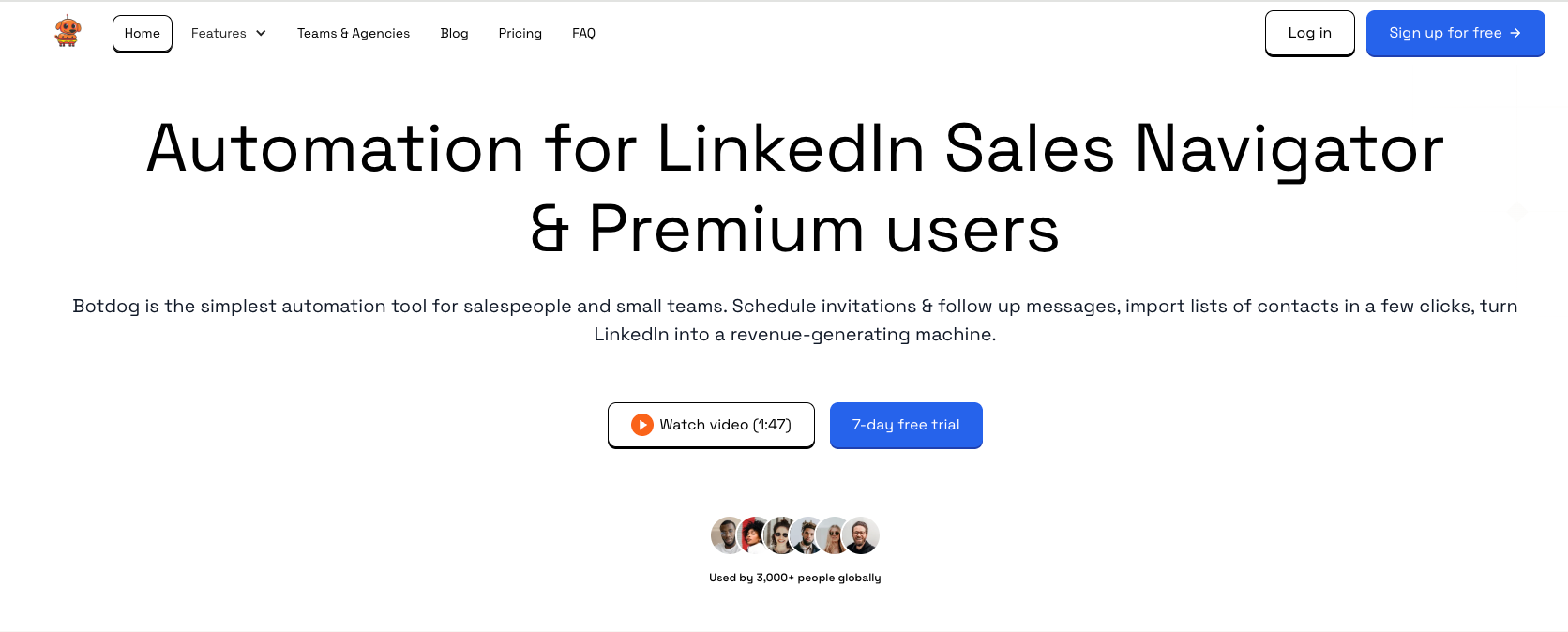
Botdog is a cloud-based LinkedIn automation platform designed specifically for sales teams, agencies, and recruiters. The setup process takes under 3 minutes - you connect your LinkedIn account via secure authentication, import your first prospect list (either by pasting a LinkedIn search URL, uploading a CSV, or connecting to Sales Navigator), create your message sequence from templates or from scratch, and launch your campaign.
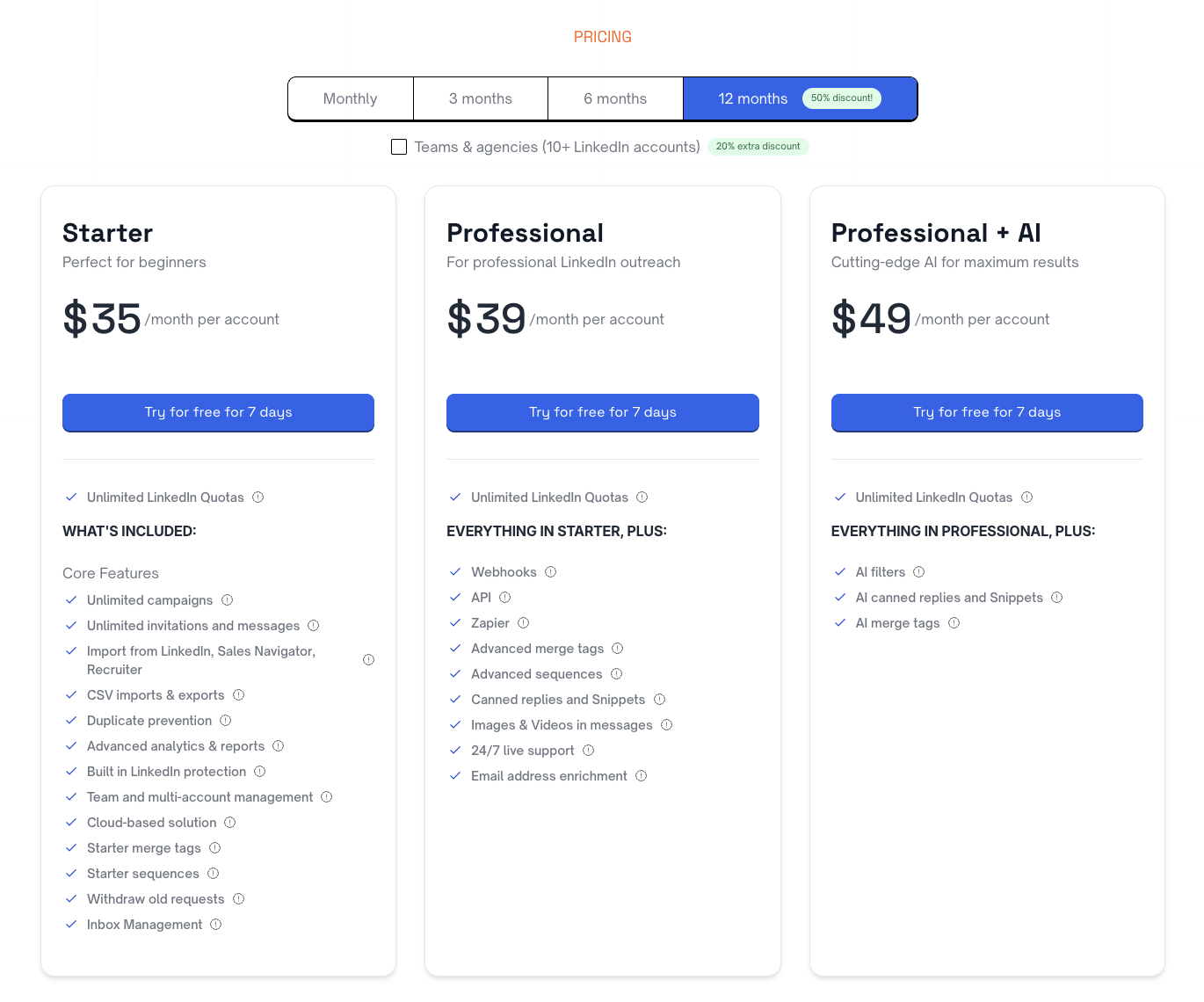
Because Botdog operates in the cloud rather than as a browser extension, campaigns run 24/7, regardless of whether your computer is on or off. The pricing structure has three tiers. The Starter plan at $35/month annually includes unlimited campaigns, multi-account management, data exports, and analytics. The Professional plan at $39/month annually adds API access, webhooks, advanced sequence capabilities, and email enrichment. The Professional + AI plan at $45/month annually adds AI-powered features like smart filters, canned replies, and message snippets.
Unlike Octopus CRM, there are no account-type restrictions. Botdog works with free LinkedIn, Premium, Sales Navigator, and Recruiter accounts at any pricing tier. You're not forced into a higher-priced plan based on which LinkedIn subscription you have.
Botdog focuses exclusively on LinkedIn automation rather than trying to be a multi-channel tool. This means that the interface is simple and intuitive while delivering sophisticated functionality that actually works for LinkedIn prospecting.
Head-to-head analysis: Octopus CRM Unlimited vs Botdog Professional
To accurately compare Octopus CRM and Botdog, we need to find the most realistic like-for-like options. For Octopus CRM, that means the Unlimited plan at $24.99/month annually, which is required for Premium and Recruiter users and the only tier with full functionality. For Botdog, we're comparing the Professional plan at $39/month annually, which includes API access, webhooks, advanced sequences, and email enrichment.
Getting started
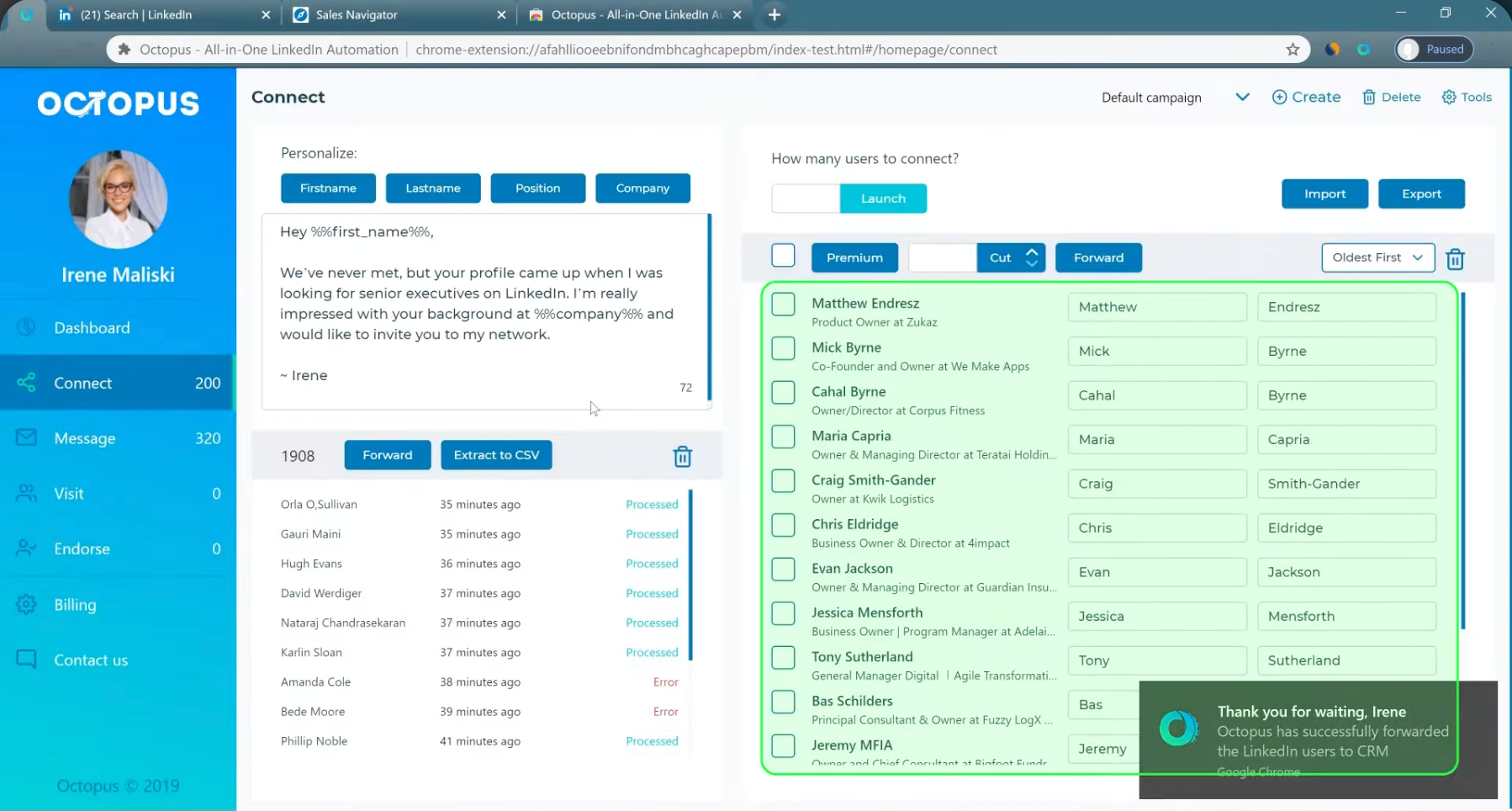
With Octopus CRM, you need to install the Chrome extension, connect your LinkedIn account, configure automation settings, and set up your first campaign. The interface has a slight learning curve - you'll need to familiarize yourself with the personal CRM, campaign builder, and activity control settings. Most users spend 10-15 minutes getting their first campaign running.
Botdog's setup is significantly faster. You connect your LinkedIn account via secure auth, import your first prospect list, create your message sequence, and launch. The average setup time is under 3 minutes.

Reliability
Octopus CRM operates as a browser extension, which means campaigns only run when Chrome is open. If your system restarts for updates, if Chrome crashes, or if someone closes the browser, your campaigns stop completely. You need to manually restart them after any interruption and check daily that everything is still running. This becomes especially problematic during travel, weekends, or when multiple team members share account access.
Botdog runs in the cloud with 24/7 operation. Once you set up a campaign, it continues automatically regardless of your computer status. You can close your laptop, travel internationally, or take time off, and prospecting continues without interruption. The system never stops unless you manually pause a campaign.
Connection request automation
Octopus CRM Unlimited sends personalized connection invites and recommends 50-80 requests per day. However, you must manually monitor your activity to avoid hitting LinkedIn's limits. The activity control feature alerts you when you're approaching restrictions, but these alerts are reactive - they warn you after you're already close to the limits.
You remain responsible for tracking your total weekly invitations and ensuring you don't exceed LinkedIn's thresholds. The system uses basic delay randomization to mimic human behavior, and it includes profile viewing and skill endorsement automation to make your activity look more natural. But there's no automatic withdrawal of pending invitations, which means your acceptance ratio can suffer over time.
Botdog manages up to 200 connection requests per week automatically (in line with LinkedIn’s limits). It distributes them intelligently across days (typically 20-25 per day spread across optimal times) and automatically enforces limits so you never accidentally over-send. After 30 days, pending invitations are automatically withdrawn to keep your acceptance ratio healthy and your account looking active rather than spammy.
Botdog’s delay algorithms are pretty sophisticated - they adapt based on your account age, activity history, and LinkedIn's current patterns. The system also detects weekends and holidays, automatically pausing activity during times when acceptance rates typically drop. Account health monitoring happens in real-time with automatic adjustments to keep you safe.
Message personalization
Octopus CRM Unlimited offers bulk automated messages to connections with personalization via LinkedIn profile data. You can use custom message variables and create templates for common messages. The system builds basic sequences with standard LinkedIn profile fields like first name, last name, company name, job title, and location. You can also include custom fields from CSV imports. One limitation is that personalization feels a bit template-based. Messages follow a predictable pattern that experienced LinkedIn users might recognize immediately as automated outreach.
Botdog Professional includes unlimited message campaigns with advanced multi-step sequences. The dynamic personalization system uses all standard LinkedIn fields plus unlimited custom CSV import fields.
Campaign management & sequences
Octopus CRM Unlimited provides campaign creation and management with basic funnel building, message sequencing, and connection plus follow-up workflows. You get campaign analytics and stats to track performance. The sequence capabilities include basic flows like Connect → Message → Follow-up with time delays between steps and limited conditional logic.
One thing to note is that pausing or modifying active campaigns often requires rebuilding from scratch. If you want to change a message in an active sequence or adjust timing, you often need to create a new campaign and manually track which prospects were in the old one.
Botdog Professional includes an advanced sequence builder with conditional branching based on prospect behavior. You can run unlimited campaigns simultaneously and make real-time modifications without restarting anything. A/B testing capabilities are built in for optimizing message performance.
Botdog’s sequence capabilities are significantly more sophisticated than Octopus CRM’s. You can build complex multi-step workflows with if/then conditional logic that adapts based on whether prospects responded or not. Time-based triggers let you wait specific numbers of days or send messages on particular days of the week, and behavioral triggers can change the sequence based on whether prospects viewed your profile or engaged with your content.
Reply management & conversation tracking
Octopus CRM Unlimited has no in-platform message viewing capability. Every time a prospect replies, you’ll need to jump back to LinkedIn to read and respond. There's no conversation history in the dashboard, just basic stats on how many messages you've sent and how many responses you've received. Team collaboration on conversations is impossible since everything happens in individual LinkedIn accounts.
The reality of this limitation is that you spend significant time switching between Octopus CRM and LinkedIn. You check Octopus CRM for campaign stats, then switch to LinkedIn to see who replied, then try to remember what message they're responding to, then craft a response. There's no efficient way to manage conversations at scale.
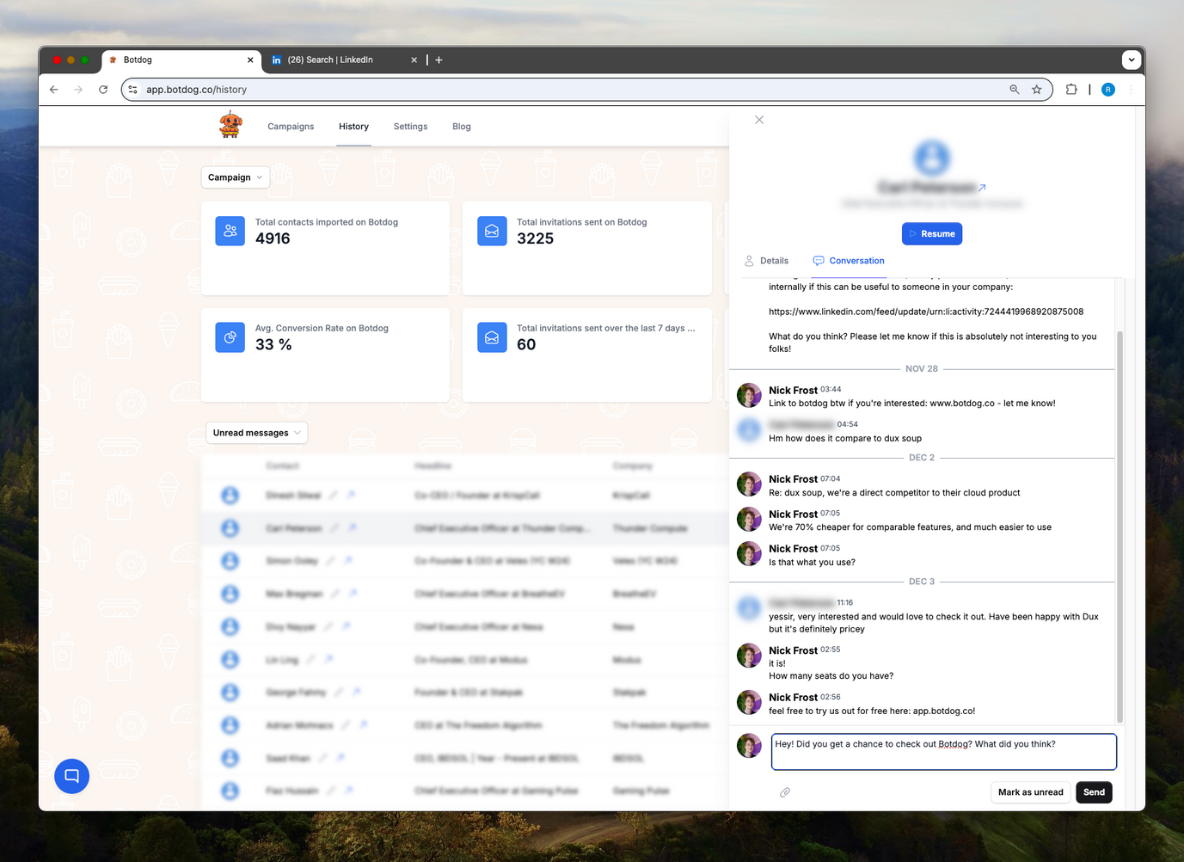
Botdog has a unified inbox that shows all conversations in one place. You can read and respond to messages without leaving the platform. Full conversation history with each prospect is maintained automatically. Team collaboration features let you assign conversations to specific team members, add internal notes that prospects don't see, and track who's handling each conversation.
Safety & compliance
Octopus CRM Unlimited includes activity control with limit alerts, smart delays between actions, and random timing variations. The system recommends staying under 50-80 connection requests per day and includes profile viewing before connection requests to mimic human behavior. Skill endorsement automation adds another human-like element to your activity.
Octopus CRM’s safety approach is reactive rather than proactive. You get alerts when you're approaching limits, but you're responsible for monitoring your overall activity across all campaigns. There's no automatic withdrawal of pending invitations, and duplicate prevention across campaigns doesn't exist - you need to manually track who you've contacted.
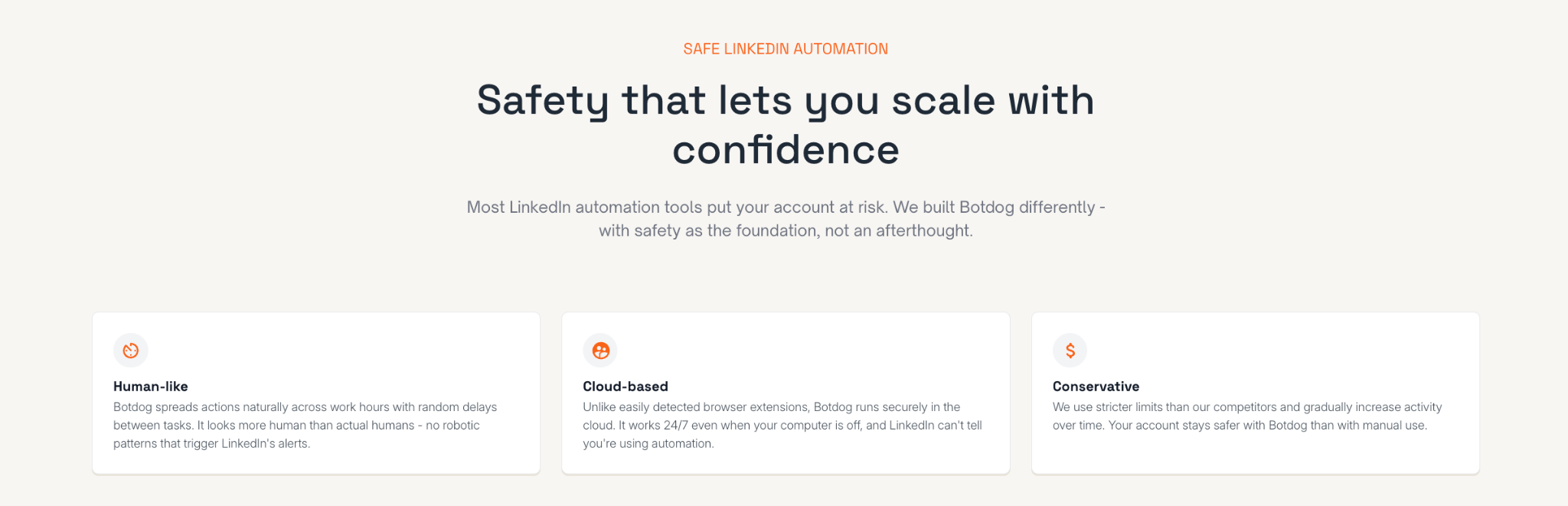
Botdog takes a more proactive approach to safety. The system automatically withdraws pending invitations after 30 days to keep your account looking active and maintain healthy acceptance ratios. Comprehensive blacklist management prevents you from accidentally messaging competitors, existing customers, or anyone you don't want to contact.
Duplicate prevention works across all campaigns - the system tracks everyone you've ever contacted and ensures prospects never receive multiple connection requests or messages from you, even if they appear in different campaign lists. Automatic limit enforcement means you don't need to monitor anything. Smart delay algorithms adapt to your account's specific behavior patterns, and weekend/holiday detection automatically pauses activity during times when engagement is low.
Data export & lead management
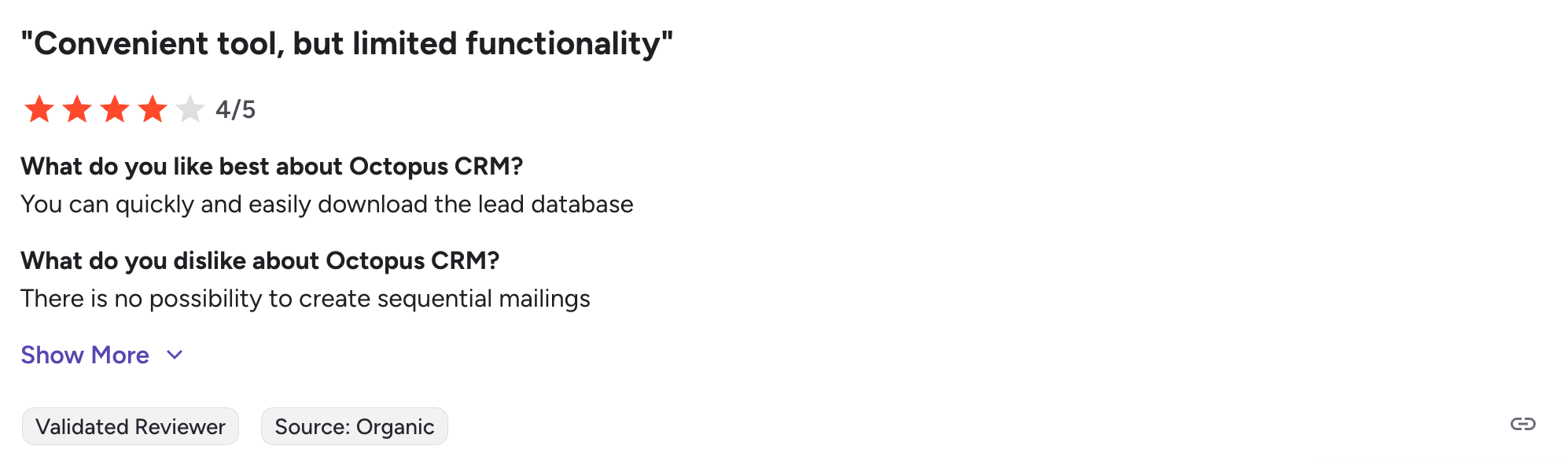
Octopus CRM Unlimited offers export and import via CSV, Google Sheets integration, and a personal CRM with basic stats. You can see campaign performance metrics and manage contacts within the system. The export capabilities include contact lists from your campaigns, campaign performance data, and Google Sheets sync for pushing data to external CRMs.
The limitation is what you can't export. There's no way to extract LinkedIn search results, scrape post engagement data, pull event attendee lists, or do comprehensive Sales Navigator exports. If you want to build a targeted list of people who liked a competitor's post or attended an industry event, you need to manually compile that data.
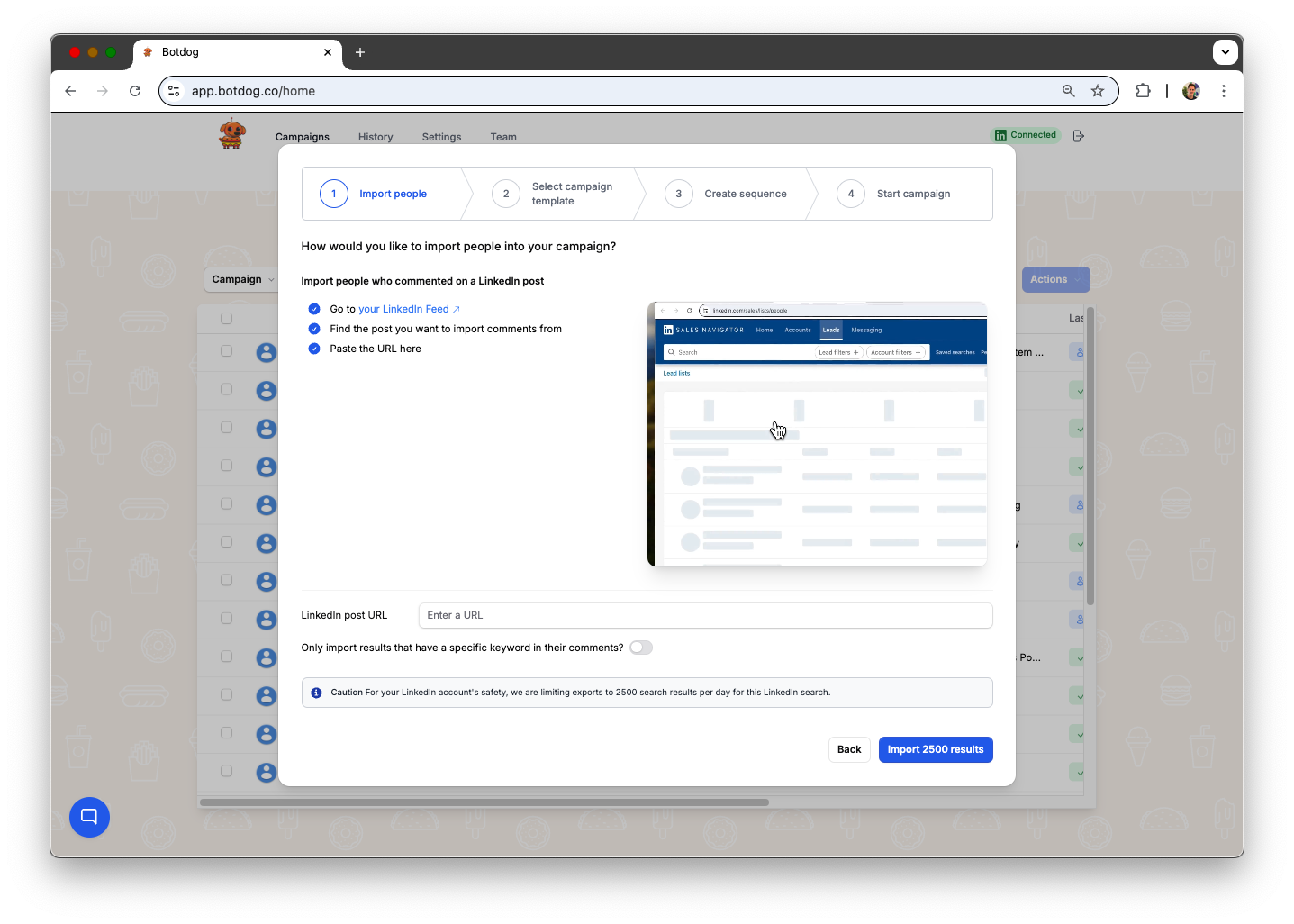
Botdog includes Search Export functionality - paste any LinkedIn search URL and extract all prospects into a CSV with complete profile data. Post engagement export lets you scrape everyone who liked or commented on any LinkedIn post, whether it's yours or a competitor's. Event attendee extraction pulls complete attendee lists with contact information. Sales Navigator lead exports work with both saved searches and lead lists. Campaign performance data and conversation history can be exported for analysis, and team performance metrics provide visibility into how individual accounts are performing.
Integrations & API access
Octopus CRM Unlimited integrates with Zapier (connecting to 1000+ apps), HubSpot directly, and Google Sheets. You can push LinkedIn data to external CRMs, send new connections to your CRM via Zapier, sync campaign data to HubSpot, and auto-update Google Sheets with contact lists. These integrations are included in the Unlimited plan at no additional cost.
This functionality is solid for basic workflow automation. You can trigger actions in your CRM when prospects accept connections or respond to messages. The HubSpot integration syncs contact and campaign data automatically, and the Google Sheets connectivity works well for simple data exports and imports.
Botdog Professional includes native API access and webhook integrations. You can build custom workflows via the API, set up real-time webhooks for instant CRM updates, create direct database connections, and develop custom integrations specific to your workflow. Developer-friendly documentation makes implementation straightforward, even for non-technical users working with developers.
Multi-account management
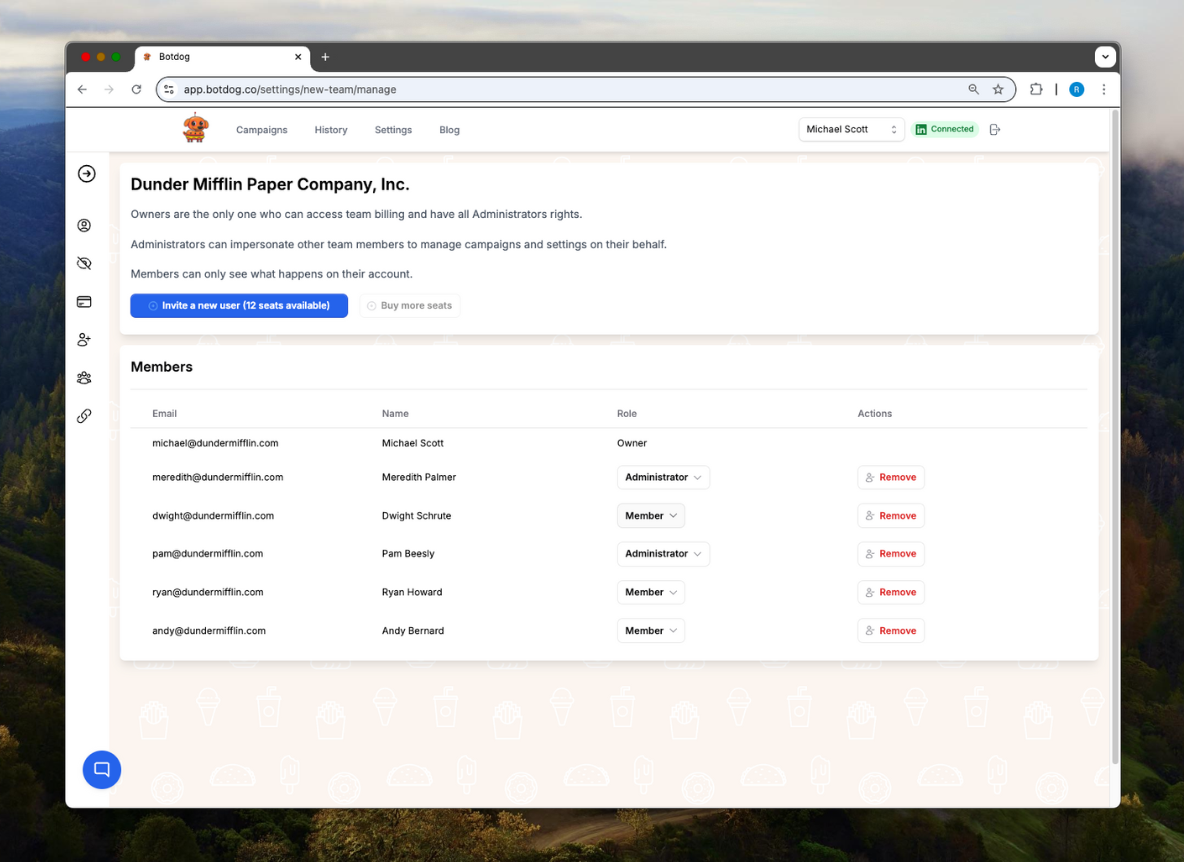
With Octopus CRM Unlimited, multi-account management requires separate browser profiles for each account. There's no unified team dashboard, so the workflow is pretty cumbersome: Log out of Account A's Chrome profile, log into Account B's Chrome profile, check campaigns for Account B, log out, log into Account C's profile, check those campaigns. Every account requires separate management and reporting - there's no way to see consolidated performance across all accounts or share message templates between accounts without manual copying.
Botdog provides a unified dashboard for all accounts. You can manage multiple LinkedIn profiles without ever sharing passwords - each team member connects their own account via secure authentication. Campaign management is centralized, so you build a sequence once and deploy it across multiple accounts with one click. Team-wide analytics and reporting show performance across all accounts in a single view. Message templates are shared across the entire team, so everyone benefits from what works.
Pricing comparison
For single users managing one account, Octopus CRM Unlimited is clearly cheaper at face value at $24.99/month annually compared to $39/month annually for Botdog Professional. But, those savings come at the cost of not having 24/7 campaigns, a unified inbox, automatic safety features, and advanced exporting options.
For teams managing multiple accounts, Botdog becomes cost-neutral or favorable once you account for time savings. The unified dashboard alone eliminates hours of weekly work switching between browser profiles and consolidating reports on Octopus CRM. Also, Botdog’s automatic safety monitoring removes the daily administrative burden of checking limits and withdrawing old invitations.
Botdog’s comprehensive data export capabilities have additional value that's hard to quantify. Being able to scrape LinkedIn searches, export post engagers, and pull event attendees in minutes versus hours of manual compilation creates opportunities that simply don't exist with Octopus CRM's limited export functionality.
Octopus CRM Pros & Cons (Unlimited)
What it does well:
Octopus CRM offers genuine value at $24.99/month for users who need full LinkedIn automation features, including campaigns, exports, and CRM integrations. The browser extension approach means no login credentials are shared, which some users prefer for security. The Zapier and HubSpot integrations are included rather than requiring additional subscriptions, providing connectivity to thousands of external tools. Activity control alerts help users stay aware of their LinkedIn activity levels. The skill endorsement automation adds a human touch to outreach efforts. For single-account users comfortable with browser-based tools, it represents the most affordable full-featured LinkedIn automation option.
Where it falls short:
The browser dependency is the biggest operational limitation. Campaigns stop completely when Chrome closes, requiring users to keep computers running continuously or accept interrupted automation. This creates reliability problems during system updates, travel, or any time you can't guarantee Chrome stays open. Reply management requires constantly switching to LinkedIn since there's no in-platform messaging capability, which adds significant time overhead when managing conversations at scale.
Safety monitoring is reactive rather than proactive - users get alerts after approaching limits rather than automatic prevention. This manual monitoring requirement becomes burdensome when running multiple campaigns simultaneously. Multi-account management requires juggling separate browser profiles with no unified dashboard, making team coordination difficult. Customer support response times of 24-48 hours feel slow when campaigns have urgent issues. Campaign modifications often require rebuilding from scratch rather than simple edits, which wastes time when you need to adjust active sequences.
The data export capabilities are limited to basic CSV and Google Sheets functionality. There's no way to scrape LinkedIn searches, export post engagement data, or pull event attendee lists, which means you're manually compiling targeted prospect lists that other tools can generate automatically. The lack of automatic invitation withdrawal means acceptance ratios degrade over time as old pending invitations accumulate.
Botdog Pros & Cons (Professional)
What it does well:
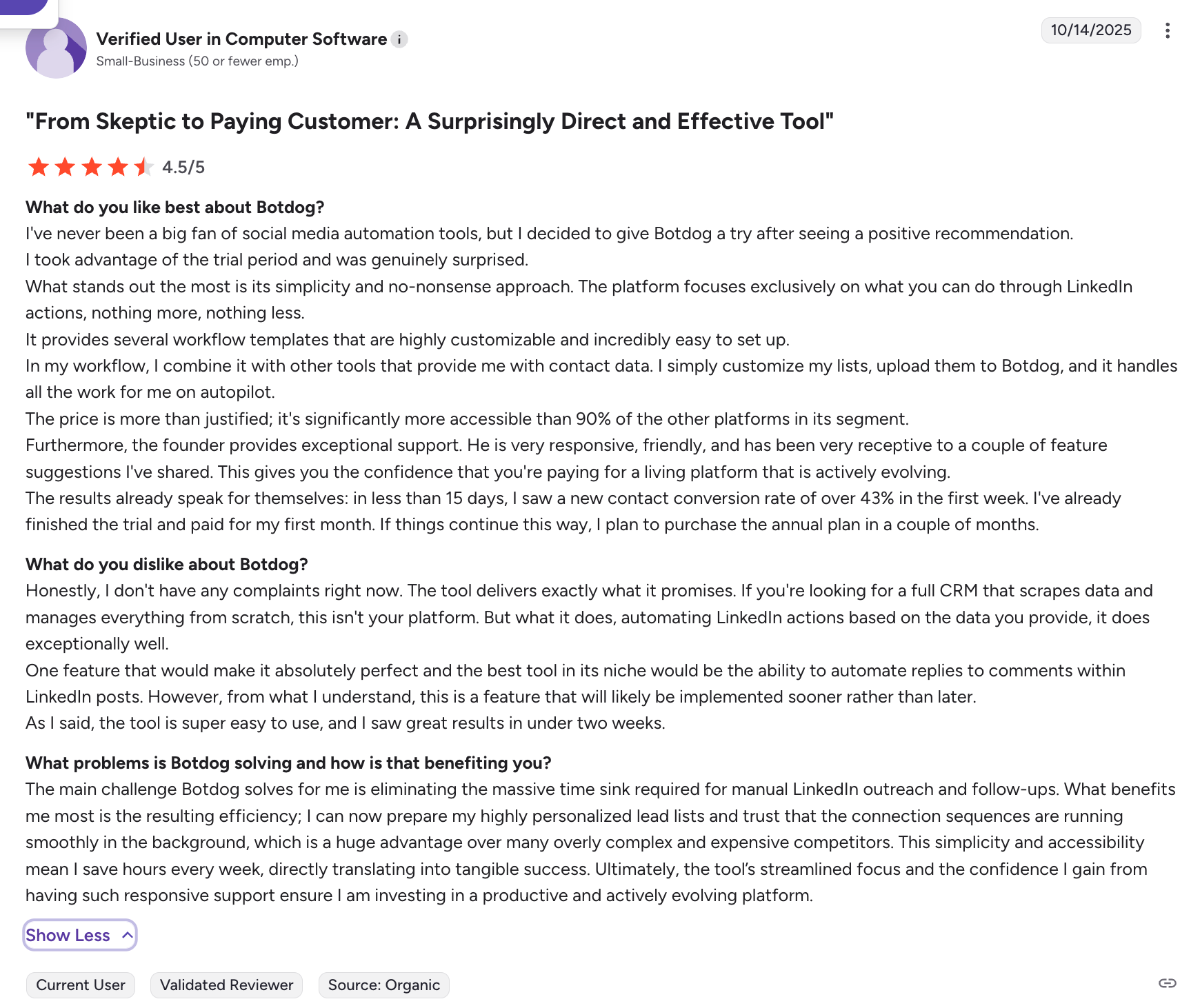
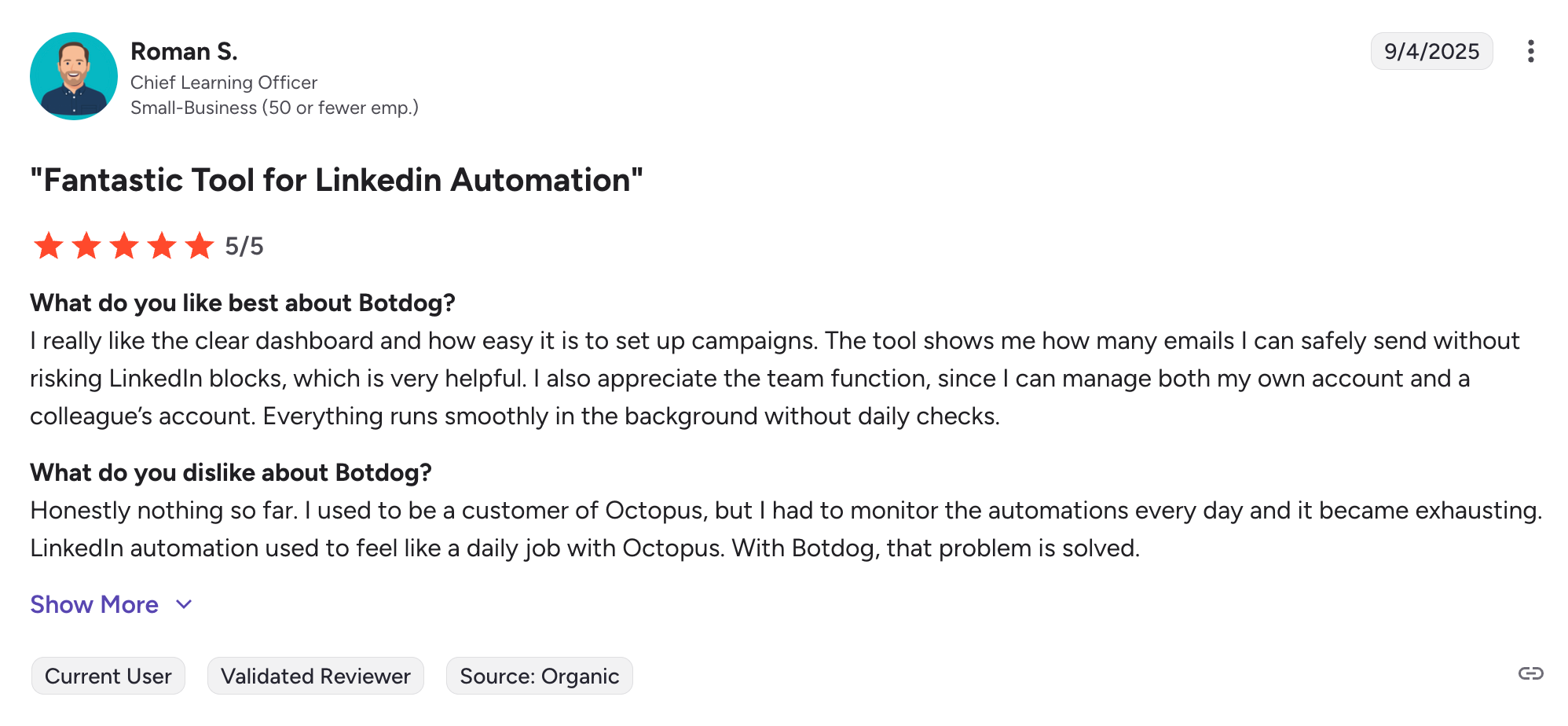
Botdog's cloud operation provides true 24/7 automation regardless of computer or browser status. You can set up a campaign in 3 minutes, and it runs continuously without any monitoring or intervention required. The unified inbox consolidates all conversations in one place, saving 5-10 hours per week per person by eliminating constant switching to LinkedIn. Teams report dramatic improvements in response time and conversation quality from this feature alone.
Automatic safety features handle limit enforcement, invitation withdrawal, duplicate prevention, and weekend detection without any manual monitoring. The system prevents issues before they occur rather than alerting you after you're at risk. Multi-account management from a single dashboard transforms team workflows - switch between accounts with one click, deploy templates across multiple accounts instantly, and view consolidated reporting without manual compilation.
Comprehensive data exports create targeting capabilities unavailable elsewhere. Scrape any LinkedIn search in minutes, export everyone who engaged with a competitor's post, pull complete event attendee lists, and extract Sales Navigator leads directly. These capabilities turn LinkedIn's 1 billion users into a truly targetable database. Native API and webhooks eliminate dependency on third-party integration services while providing more power and flexibility for custom workflows. Advanced sequence capabilities with conditional logic enable sophisticated nurture campaigns that adapt to prospect behavior. 24/7 chat support provides fast responses when issues arise, typically under 2 hours versus 24-48 hours with competitors.
Where it falls short:
The starting price is higher than Octopus CRM - $14/month more for single accounts, which adds up to $168/year. For budget-focused solo users testing automation for the first time, this price difference may feel significant. The LinkedIn-only focus means no email sequences or multi-channel campaigns for users who want comprehensive outbound automation across multiple channels.
Octopus CRM vs Botdog: the bottom line
Octopus CRM serves budget-conscious solo users who need full LinkedIn automation features at the lowest possible price and accept the browser-dependency limitations. At $24.99/month with Zapier and HubSpot included, it delivers solid value for individual users comfortable with manual safety monitoring and basic campaign capabilities.
For everyone else - small teams, agencies, recruiters managing multiple accounts, or users who value operational reliability over marginal cost savings - Botdog Professional delivers substantially more value at $39/month:
- Operational reliability through cloud operation instead of browser dependency that stops campaigns unpredictably. This alone eliminates the daily stress of ensuring Chrome stays open and campaigns keep running.
- Advanced safety controls that prevent issues instead of alerting you after you're already at risk. Automatic limit enforcement, invitation withdrawal, duplicate prevention, and weekend detection remove the burden of manual monitoring while providing stronger account protection.
- Unified team management instead of separate browser profiles and fragmented reporting. Managing multiple accounts becomes streamlined rather than tedious, with consolidated dashboards and shared templates that transform team workflows.
- Advanced sequence capabilities with conditional logic instead of basic linear workflows. Build sophisticated multi-step campaigns with time delays, behavioral triggers, and if/then branching that adapts based on prospect responses. This creates natural-feeling outreach that doesn't scream "automated" - prospects receive follow-ups at intelligent intervals based on their actual behavior, not rigid schedules.
- Unified inbox for conversation management instead of constant switching to LinkedIn. This saves 5-10 hours per person per week while improving response quality and conversion rates.
- Comprehensive data export capabilities instead of basic CSV functionality. Turn LinkedIn into a queryable database with Search Export, post engagement scraping, and event attendee extraction that creates targeting opportunities unavailable elsewhere.
For single-account users, the decision comes down to whether $14/month ($168/year) in savings justifies giving up these operational improvements. For multi-account teams, the time savings from unified management and automated safety monitoring make Botdog cost-neutral or favorable while delivering vastly superior functionality. The typical team sees ROI within the first month from improved efficiency alone.
Ready to experience the difference? Start your free Botdog trial and see what cloud-based LinkedIn automation should actually feel like.
FAQ: Octopus CRM vs Botdog
Is Octopus CRM or Botdog safer for LinkedIn?
Botdog offers significantly stronger safety features through proactive automation rather than reactive alerts. Octopus CRM uses activity control alerts that warn you when approaching limits, but you remain responsible for monitoring your overall activity and ensuring you don't exceed thresholds.
Botdog includes automatic limit enforcement that prevents over-sending without any monitoring required. The system automatically withdraws pending invitations after 30 days to maintain healthy acceptance ratios. Comprehensive blacklist management and duplicate prevention across all campaigns ensures prospects never receive multiple requests or messages. Weekend and holiday detection automatically pauses activity during low-engagement periods. These built-in controls actively prevent the risky patterns that trigger LinkedIn restrictions rather than simply alerting you after you're already at risk.
Can I manage multiple LinkedIn accounts with Octopus CRM and Botdog?
Yes, but the experience differs dramatically. Octopus CRM requires one license per account at $24.99/month each. You manage each account through separate Chrome browser profiles, logging out of one and into another to check campaigns and performance. There's no unified dashboard, so consolidating reports across accounts requires manual work. Three accounts cost $74.97/month with no centralized management capabilities.
Botdog provides a unified dashboard for all accounts at $39/month per account. You manage multiple LinkedIn profiles without password sharing through secure authentication. Switch between accounts with a single click, deploy message templates across all accounts instantly, and view consolidated performance reporting without manual compilation. Three accounts cost $117/month, which is $42 more than Octopus CRM, but the time savings from unified management typically justifies the difference within the first month. For 10+ accounts, Botdog's 20% volume discount brings the per-account price down to $31/month.
Do Octopus CRM and Botdog work with Sales Navigator?
Yes, both integrate with LinkedIn Sales Navigator. However, Botdog's data export capabilities provide significantly more value for Sales Navigator users. While Octopus CRM offers basic campaign management and contact exports, Botdog can extract complete Sales Navigator searches and saved lead lists directly into CSV files with full profile data.
This means Sales Navigator users can leverage their advanced search capabilities and then immediately export results for enrichment, segmentation, and systematic outreach. The Search Export feature works with any LinkedIn or Sales Navigator URL, turning your search filters into targetable prospect lists in minutes.
Do Octopus CRM and Botdog work with LinkedIn Premium?
Yes, both tools work with LinkedIn Premium, but there's an important restriction with Octopus CRM.
Octopus CRM: If you're using LinkedIn Premium, you're locked into the Unlimited plan at $24.99/month annually. The cheaper tiers (Starter at $6.99/month, Pro at $9.99/month, and Advanced at $14.99/month) only work with free LinkedIn accounts or Sales Navigator. Premium users have no access to the lower-priced plans, even if you don't need all the Unlimited plan features.
Botdog: Works with LinkedIn Premium at any pricing tier. Whether you choose the Starter plan ($35/month), Professional plan ($39/month), or Professional + AI plan ($45/month), you can use any of them with your Premium account. There are no account-type restrictions that force you into higher-priced tiers.
Do Octopus CRM and Botdog work with LinkedIn Recruiter?
Yes, both tools work with LinkedIn Recruiter accounts, but there's an important restriction with Octopus CRM.
Octopus CRM: LinkedIn Recruiter users must purchase the Unlimited plan at $24.99/month annually. The cheaper tiers (Starter at $6.99/month, Pro at $9.99/month, and Advanced at $14.99/month) only work with free LinkedIn accounts or Sales Navigator. This means Recruiter users pay for the full feature set regardless of whether they need campaign creation, data exports, or CRM integrations.
Botdog: Works with LinkedIn Recruiter at any pricing tier. Whether you choose the Starter plan ($35/month), Professional plan ($39/month), or Professional + AI plan ($45/month), you can use any of them with your Recruiter account. There are no account-type restrictions that force you into higher-priced tiers.
What happens if I close my browser with Octopus CRM?
Your campaigns stop completely. Octopus CRM operates as a Chrome extension that only runs when the browser is open. If Chrome closes for any reason - system restart, crash, someone manually closing it, automatic updates - all automation stops immediately. You need to reopen Chrome and manually restart campaigns.
This creates operational fragility, especially for teams. System updates that restart computers, travel where you can't guarantee a machine stays on, or simple human error, closing the browser can interrupt campaigns for hours or days. Users report frequently discovering campaigns stopped unexpectedly and losing entire days of prospecting activity.
Botdog is cloud-based and runs 24/7 automatically regardless of computer or browser status. Set up a campaign once, and it continues running without interruption. You can close your laptop, shut down your computer, travel internationally, or take time off, and prospecting continues without any monitoring or intervention required.
Can I try Octopus CRM and Botdog before committing?
Yes, both offer 7-day free trials. We recommend testing both to compare the interface, feature set, and workflow fit for your specific needs. Most teams find that Botdog's 3-minute setup and unified dashboard feel significantly easier to use, but the best way to evaluate is hands-on experience with your actual prospecting workflow.
During your trial, test the features that matter most to your use case: If you manage multiple accounts, evaluate the multi-account experience. If conversation management is critical, test the unified inbox capabilities. If data exports drive your prospecting strategy, try the Search Export and post engagement scraping. If safety is a primary concern, examine how each tool handles limit enforcement and invitation management.